PixReel Pro documentationVariation galleries
A gallery for each variation
Give every colour, size or model its own images and video.
Set one up
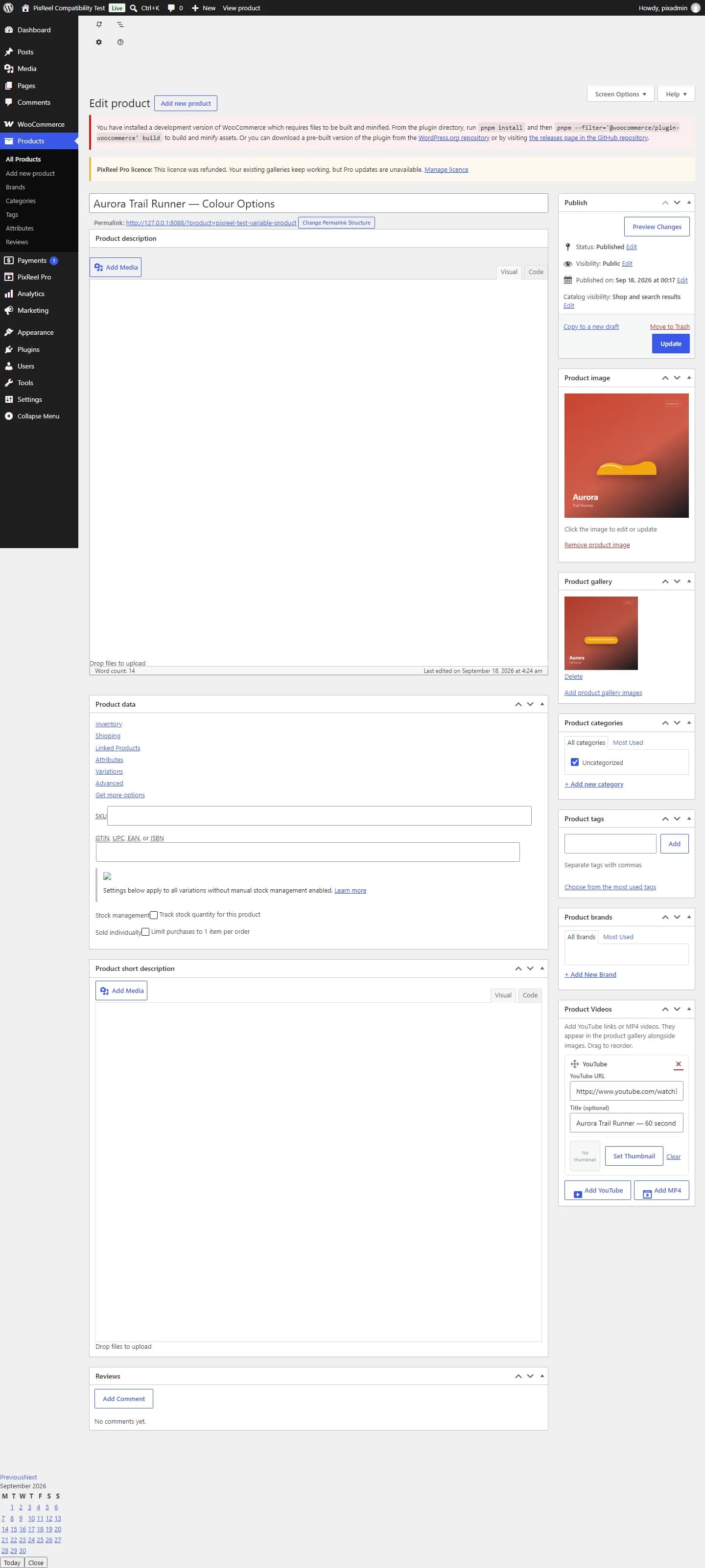
- Edit a variable product.
- Open the Variations tab and expand a variation.
- Use the PixReel Pro Variation Gallery box to add images and videos for that variation.
- Repeat for each variation you want to differ.
- Save changes.
What a customer sees
Selecting a variation switches the gallery to that variation's media, including in the lightbox. Clearing the selection returns to the parent gallery.
A variation with no gallery of its own falls back to the parent gallery, so you only need to fill in the variations that actually differ.