PixReel Pro documentationLicence activation
Activating your licence
Where to find your key, how to activate, and what counts as a site.
Find your key
Licence keys are stored as a one-way hash, so nobody — including us — can look yours up. Sign in to your account, open the licence and choose Show licence key. You confirm your password and the key is shown once.
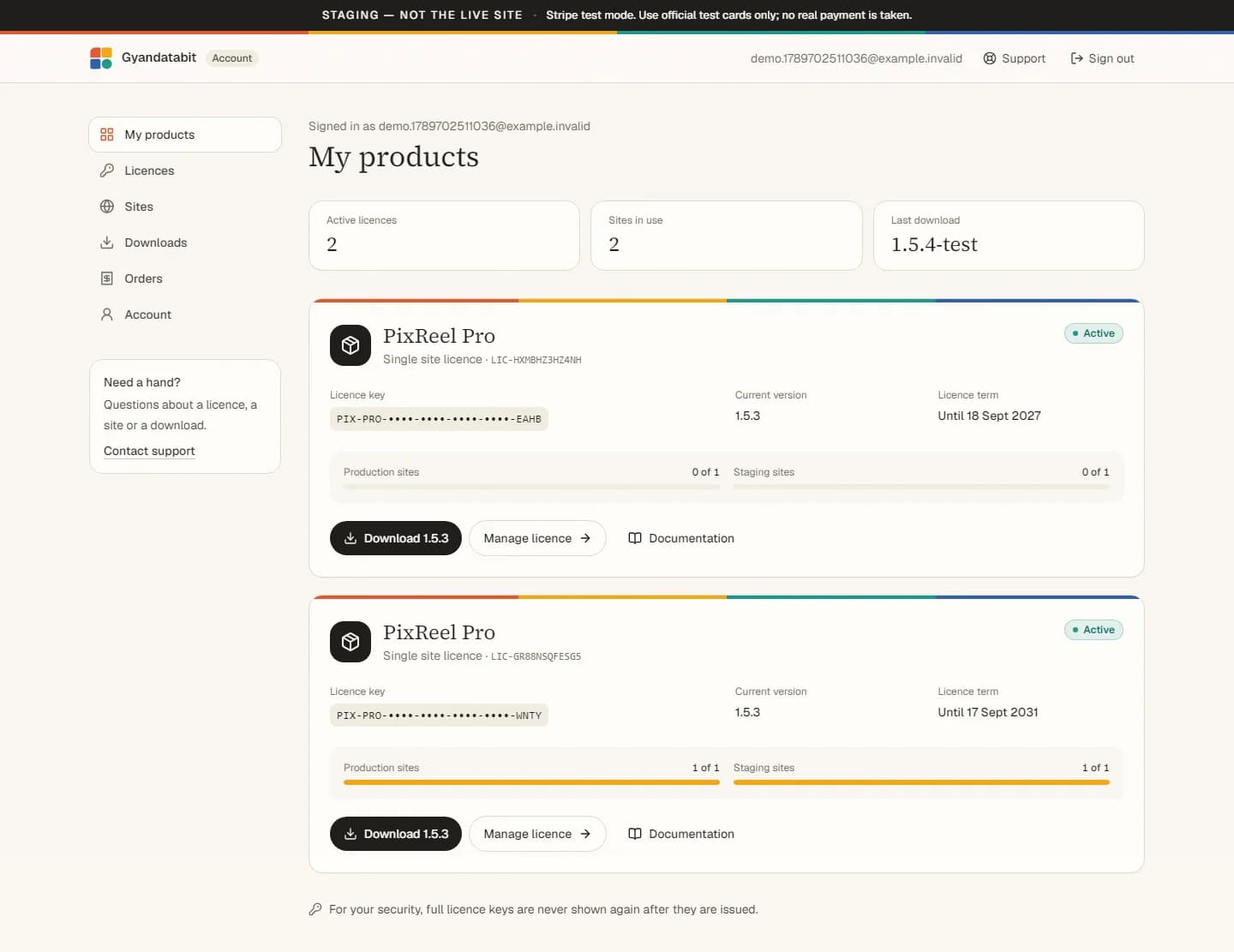
Generating a key replaces the previous one immediately. Sites that are already activated keep working: their activation is separate from the key you type in.
Activate
- In WordPress, open PixReel Pro → License.
- Paste the key and choose Activate License.
- The screen shows the licence status, the activated site and when it was last verified.
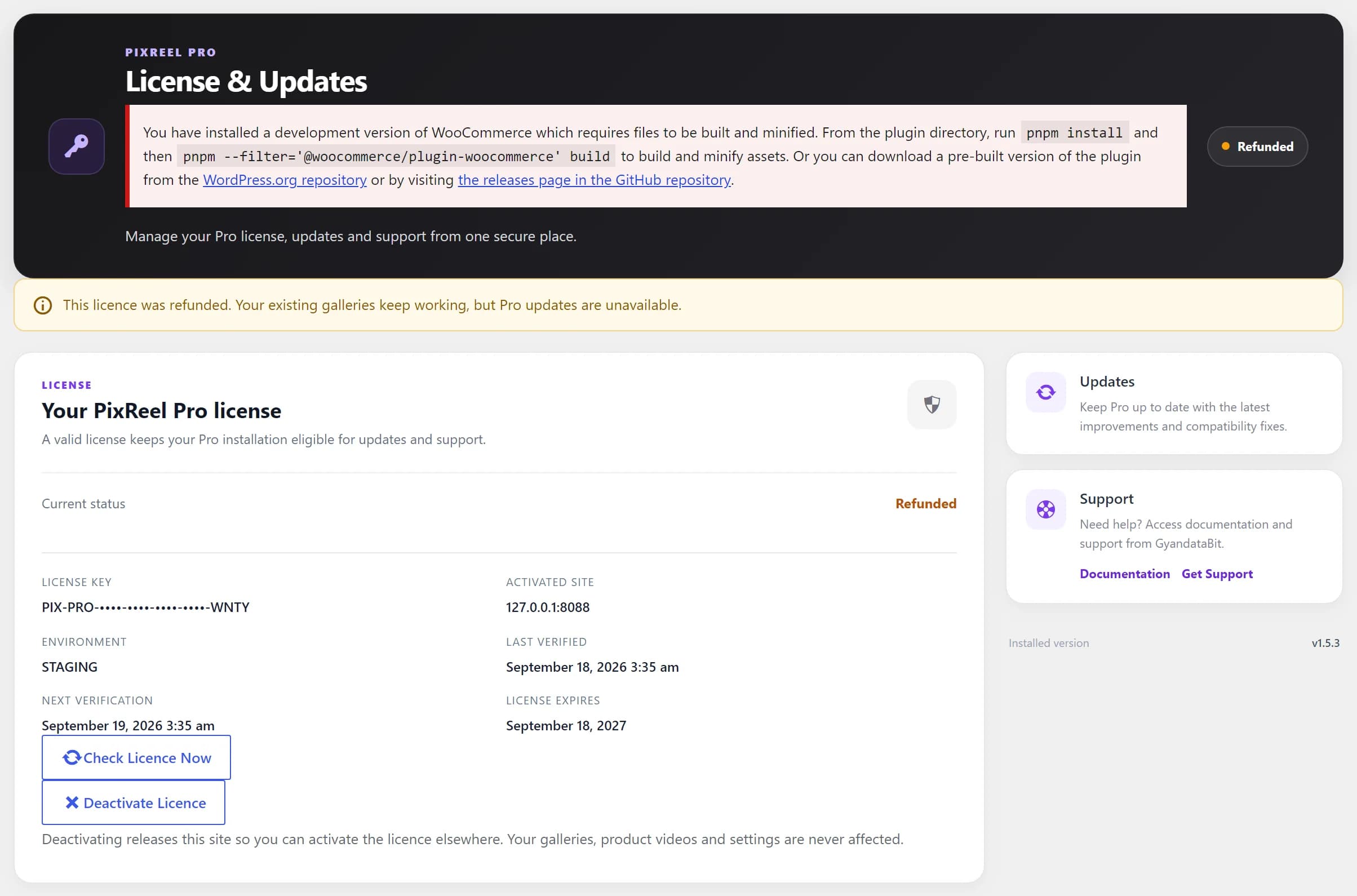
How many sites
One production site plus one eligible staging or development site. A staging site is one our licence server recognises as a development environment: local addresses, private networks, reserved names such as .test and .local, and conventional staging hostnames such as staging., dev. and uat. labels.
If your staging environment uses an unusual hostname, contact us and we can recognise it for your licence rather than have you buy a second one.
Moving to a new domain counts as a different site. Release the old one from your account, then activate the new one. There is no charge for moving between your own sites.